


 Homepage
 Forum
Forum Drivers
 HMM-Manuals
 MTM
MTM Feed
Feed

To keep it short and under the size limit, all pictures are thumbnails. Click on them for full-size versions.
Thinkpad 25 vs T430s with FHD IPS and classic keyboard mod
This is probably the most interesting head-to-head, between the best 'classic' Thinkpad you can get with a 7-row keyboard and the best (well, the only) modern Thinkpad you can get with a 7-row keyboard. Olangu already posted a comparison between TP25 and T430s, but that T430s did not have the IPS mod; I will try not to repeat it, but complement it with my own observations.
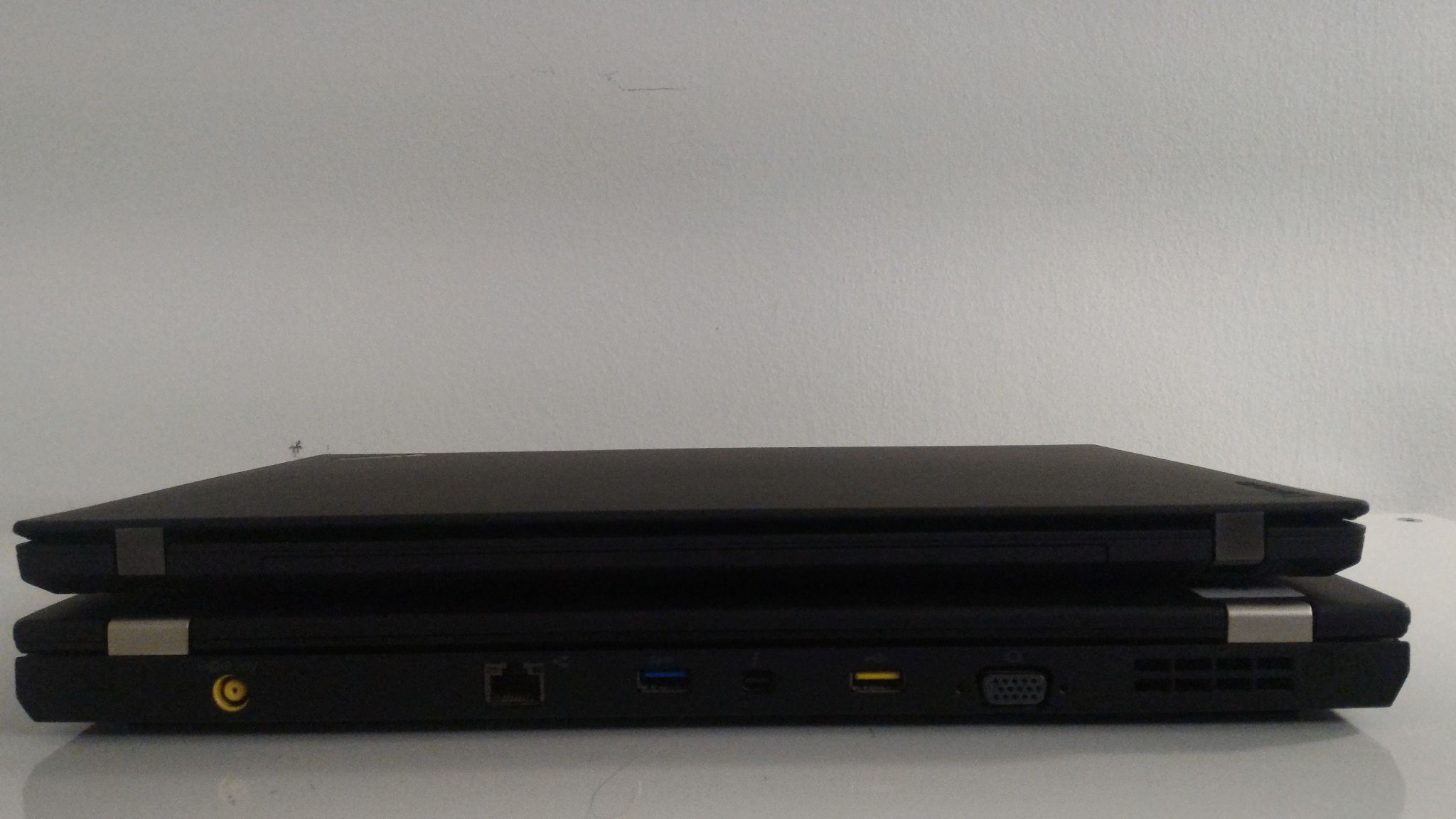
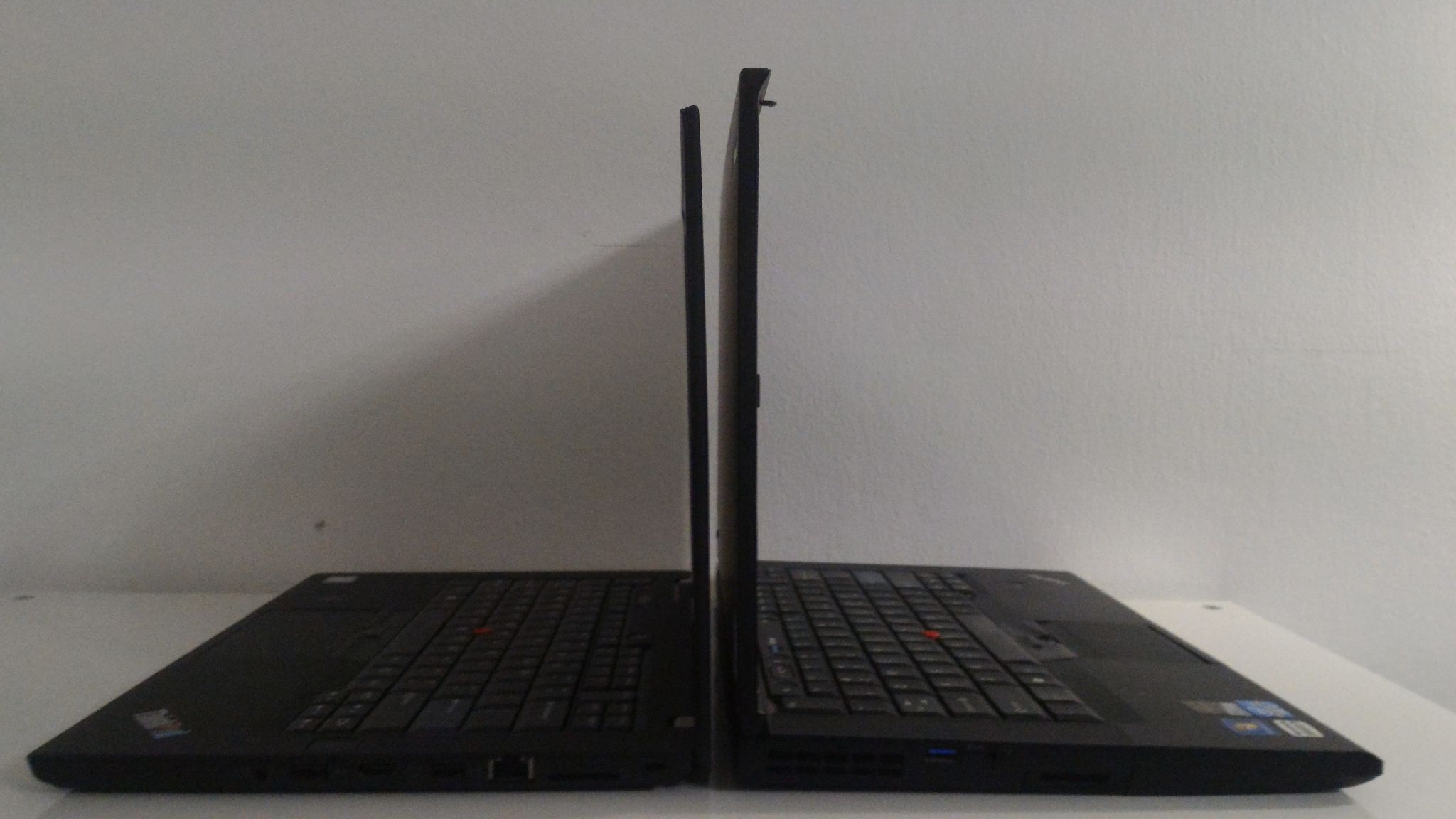
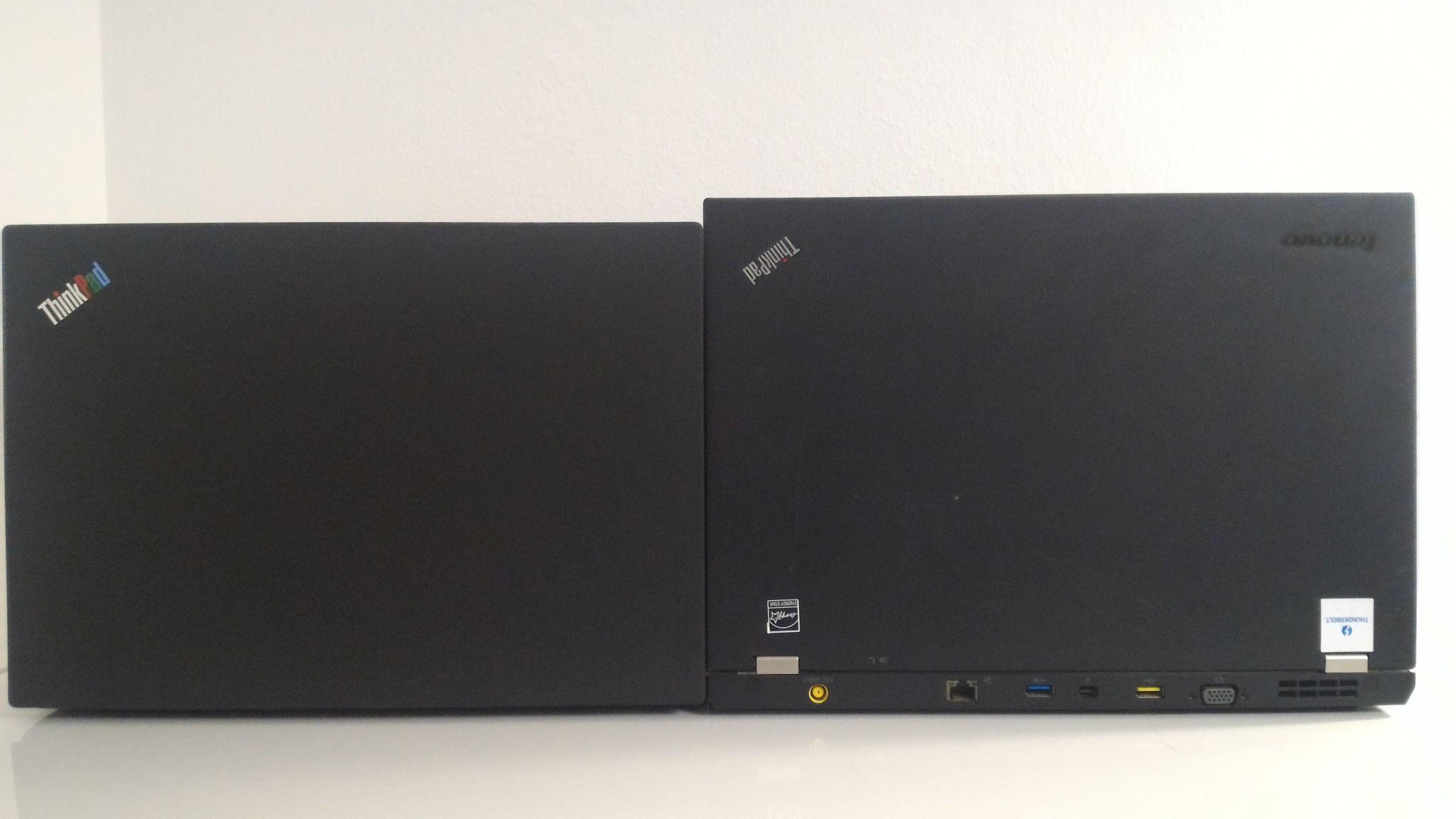
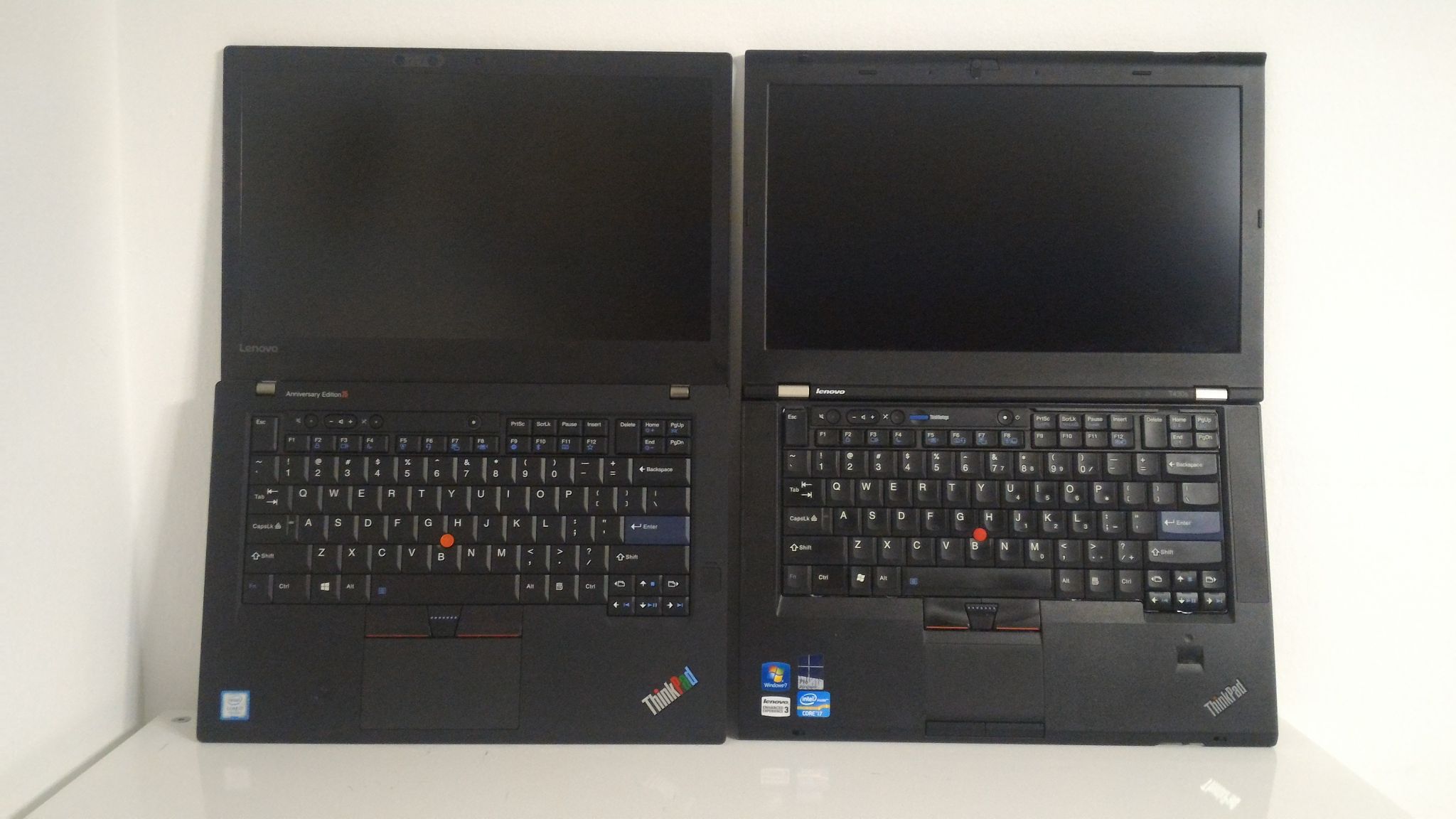
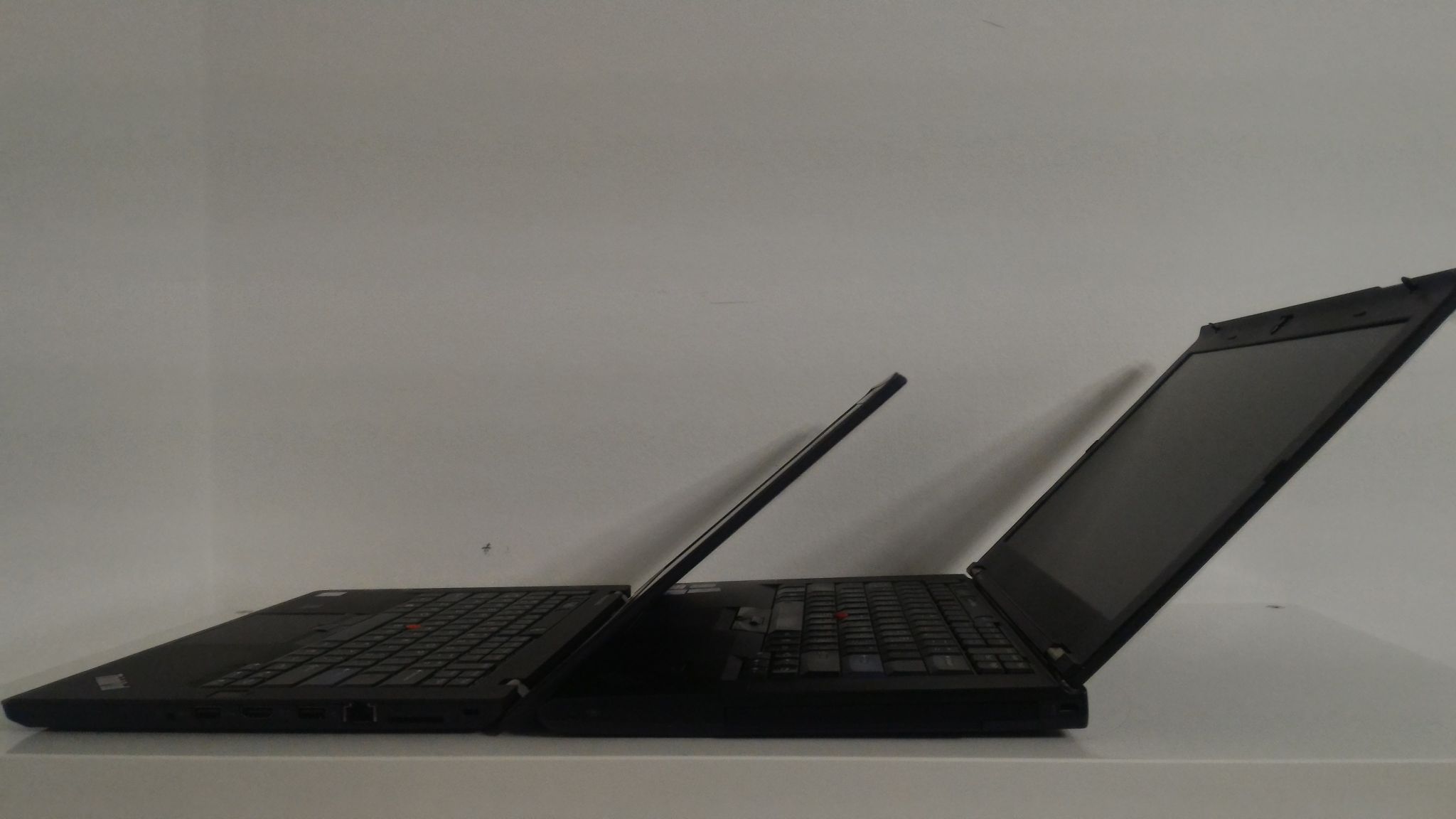
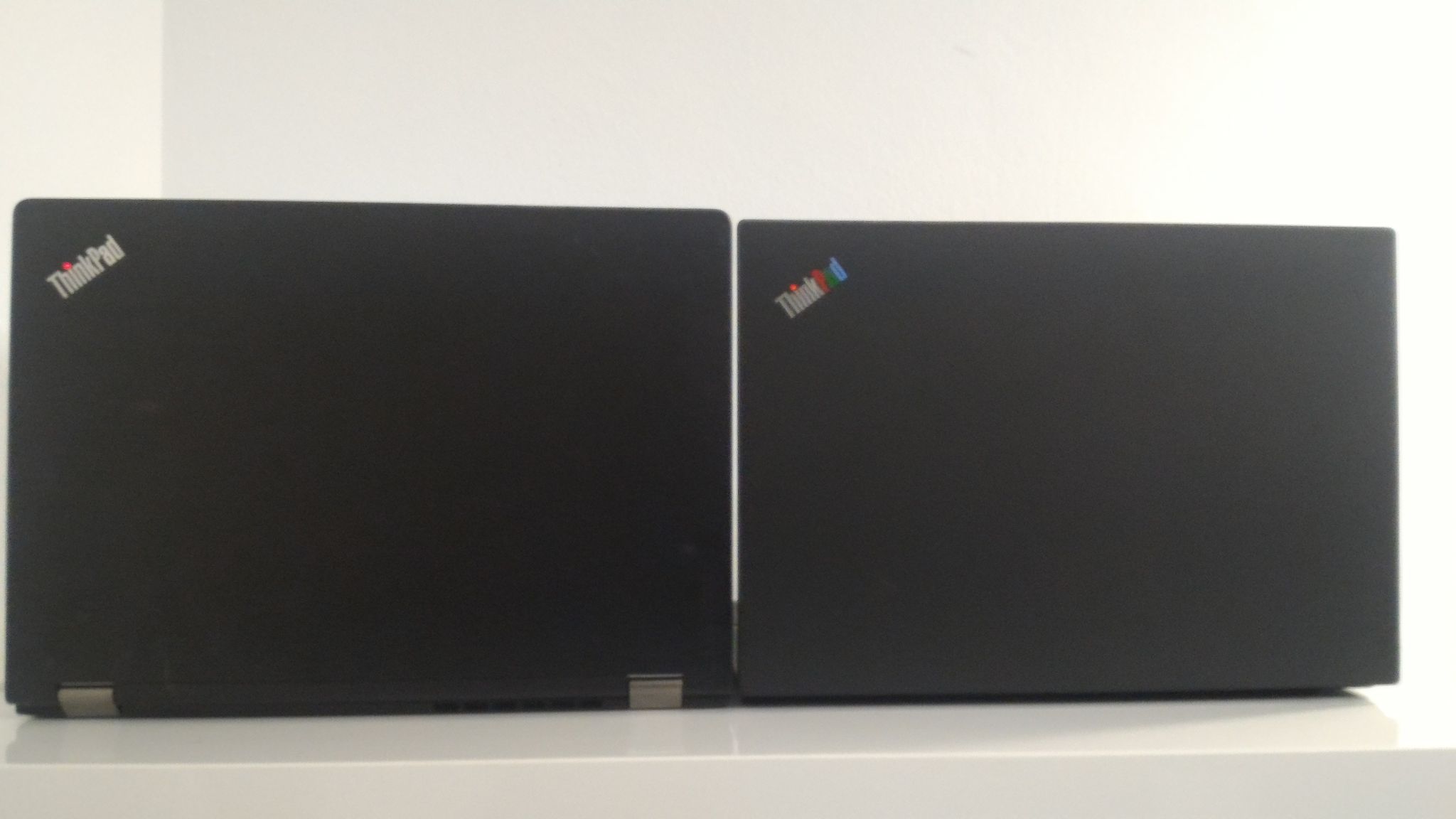
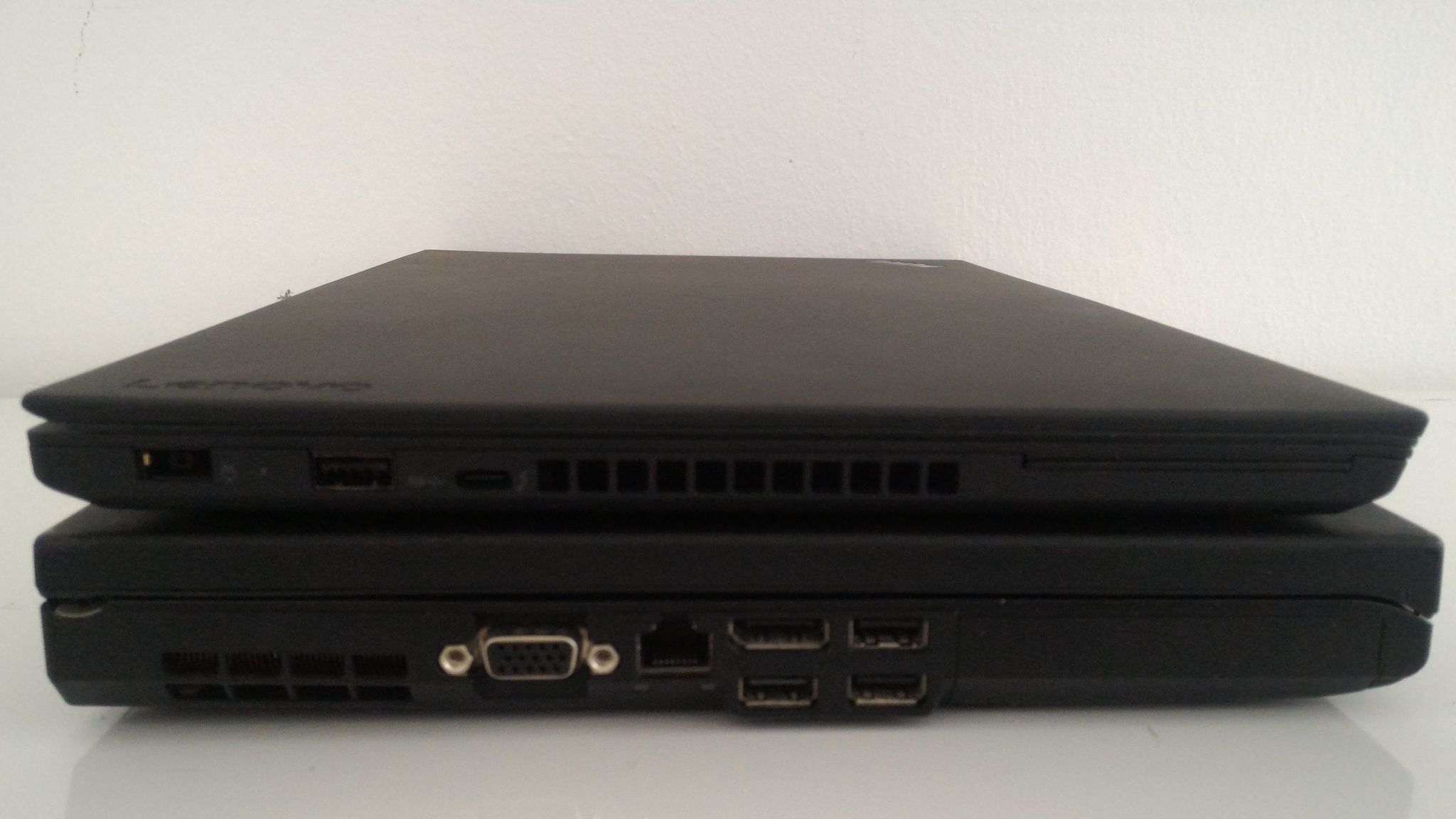
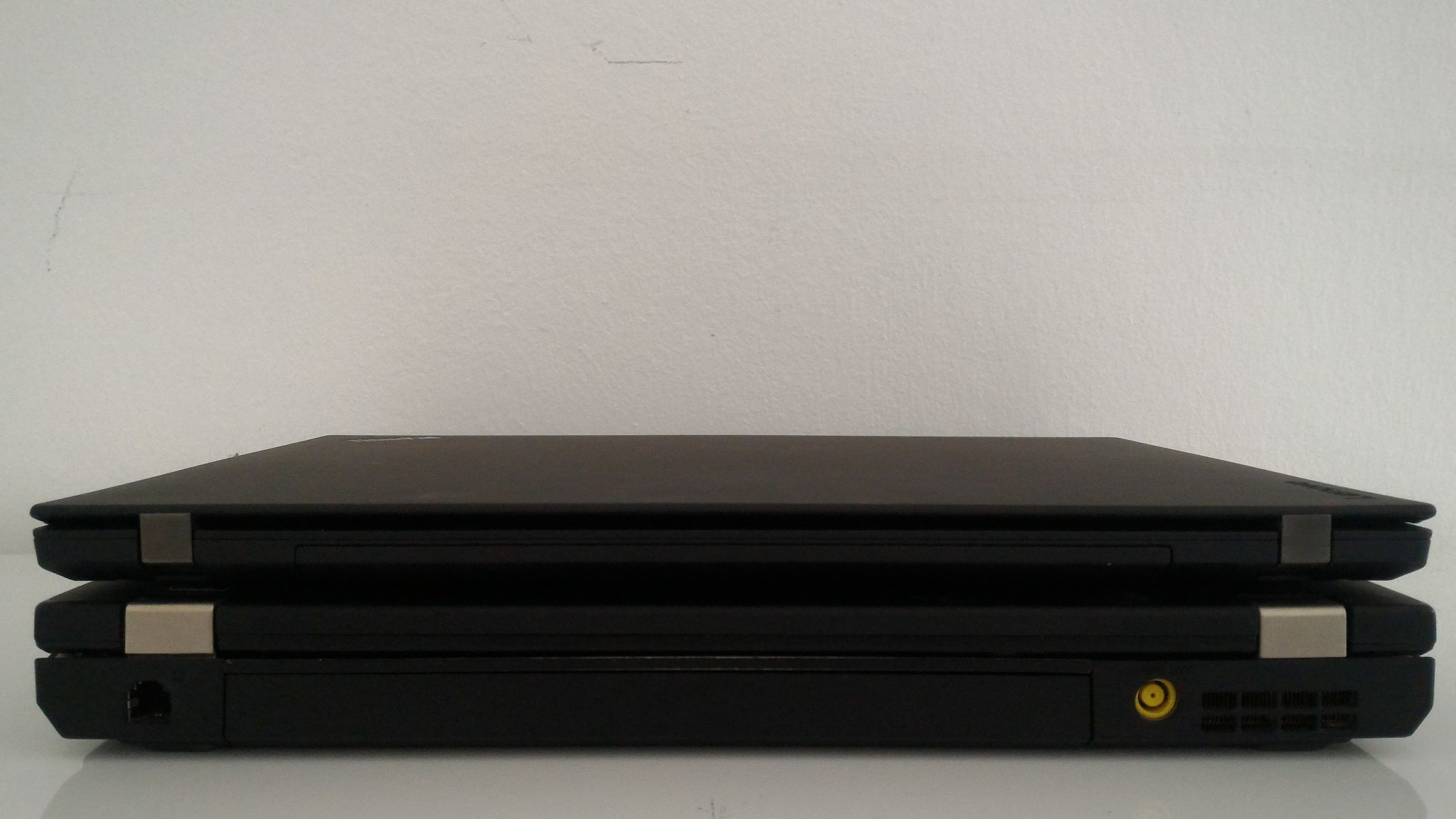
The TP25 is somewhat slimmer than the T430s. The difference at the front is small, but more pronounced from the back side, as the TP25 has uniform thickness, while T430s is thicker at the back. Weight comparison is trickier, because it depends on the batteries. The TP25 is 1.68kg with 3-cell internal + 3-cell external battery. The T430s with a 6-cell external + 3-cell bay battery is about 1.86kg, but with a travel bezel in place of the bay battery it's only 1.63kg. You can get all sorts of numbers if you play with different battery/Ultrabay combinations, but it's fair to say the the TP25 is lighter for comparable battery life (since it can live on a 3+3 cell roughly as long as the T430s on its 6+3 cell). Still, you will likely feel the difference in thickness more than the difference in weight. Keep in mind that the TP25 is a T470 shell, not the slim T470s, yet it still beats the slim T430s of 4 generations back.
The TP25 also feels more sturdy and firm, which is generally true about CS13 Thinkpads compared to their CS09 counterparts, due to different materials and chassis design. It may not necessarily be more durable, just feels so.
In terms of dimensions, the TP25/T470 is slightly narrower and about the same depth. There is almost no difference in footprint. The main difference is the lid opening mechanism. T430s like all older Thinkpads has the hinges in the lid, whereas TP25 has them in the base. When the lid opens, the screen sits behind the laptop base and not above it, contributing to a lower-profile machine. I guess it's good if you are trying to use it in a tight airplane seat, but other than that I can't find significant advantages. One disadvantage is that it forces a design where the laptop has no ports on the back (I at least would prefer the charging port there), and an extended battery cannot be placed there - it has to go under the machine, which raises the back significantly. I understand that this design choice may be due to the limitations imposed by placement of components inside the lid, but somehow the larger workstation Thinkpads (P-series) avoided it. Perhaps because they have thicker lids? The LCD lid on the TP25 is very thin indeed, but does not feel fragile. Also, because it's so thin, you can actually open it a full 180 degrees flat on the table, as it fits under the base.

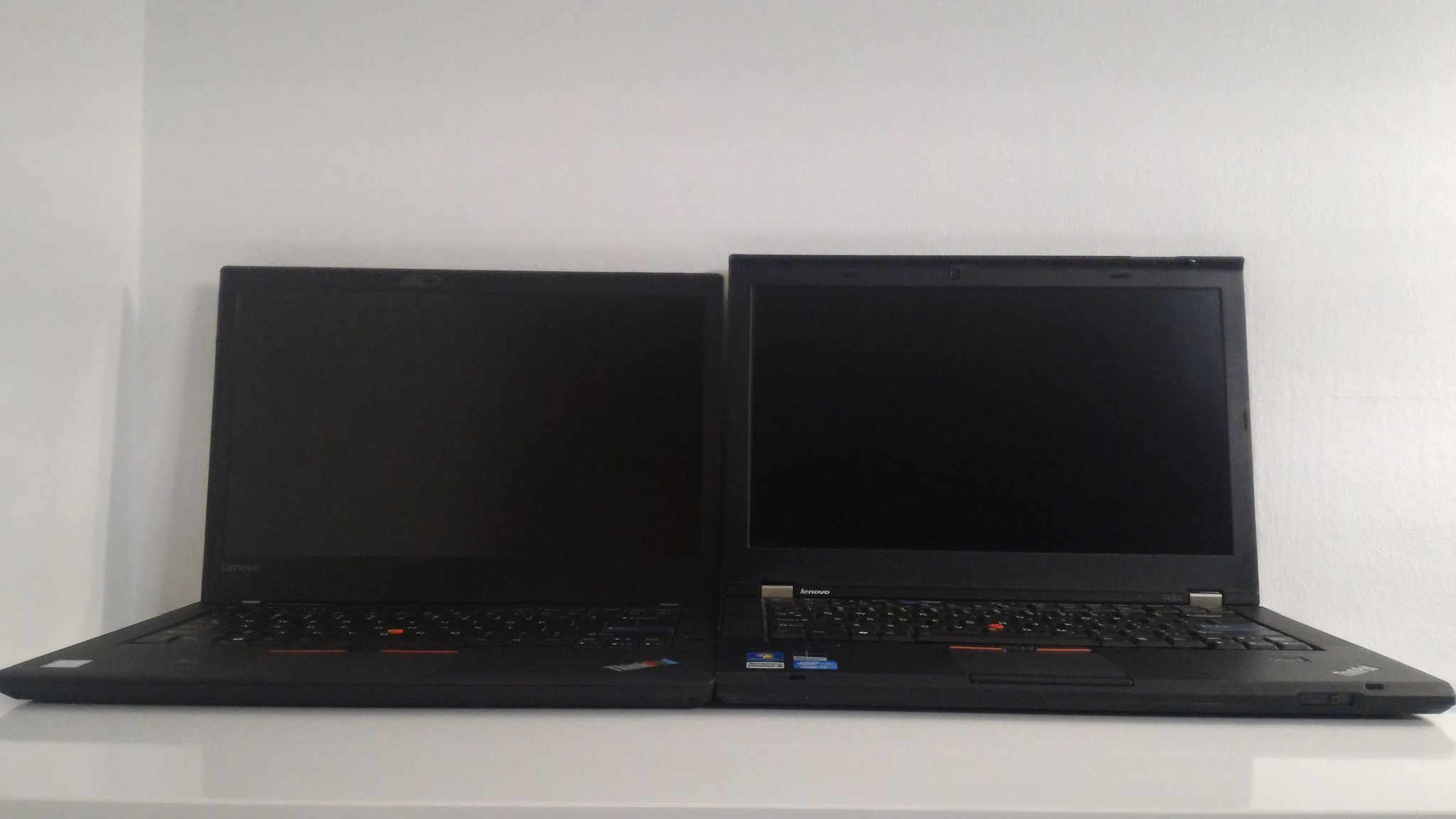

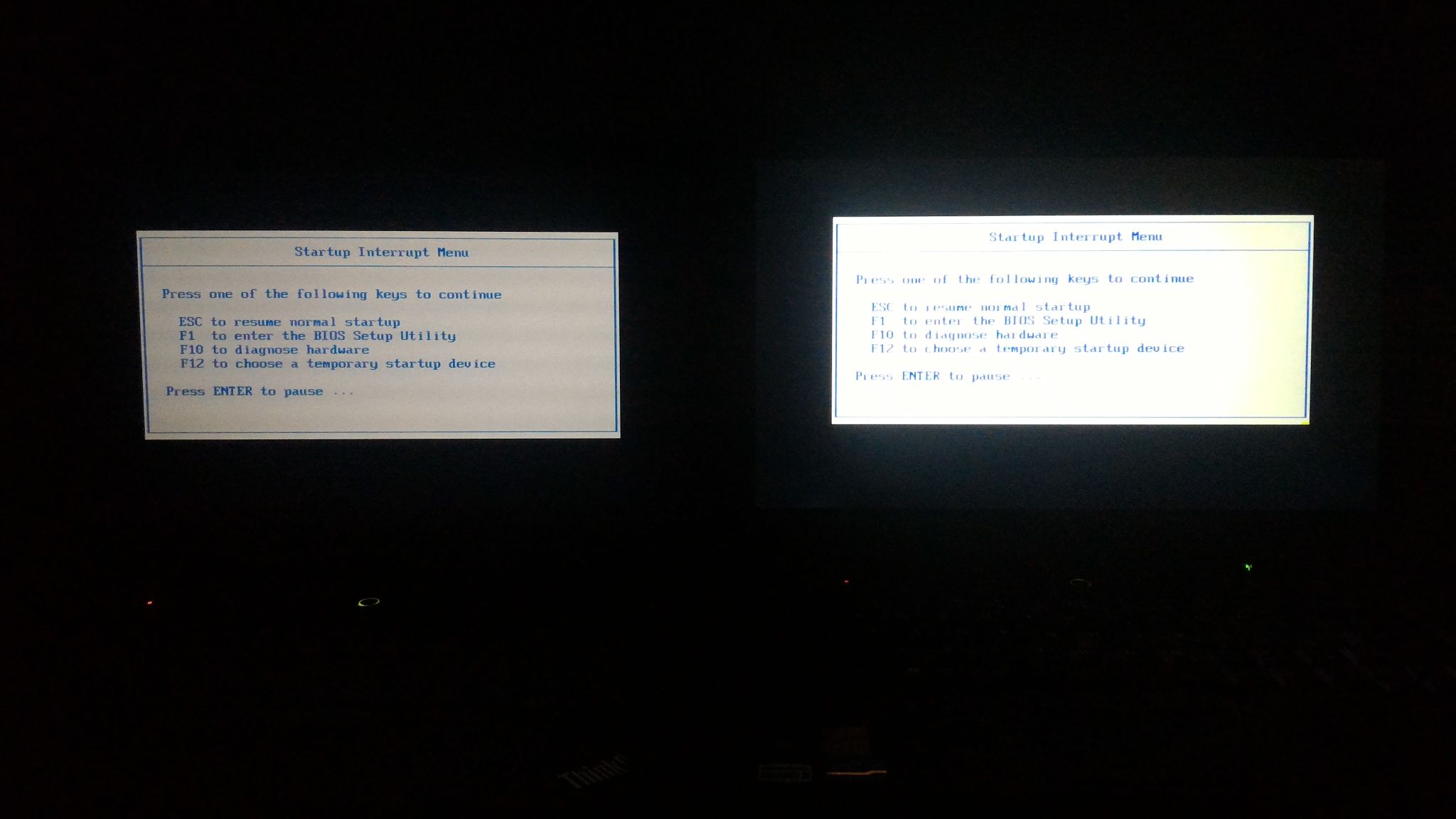
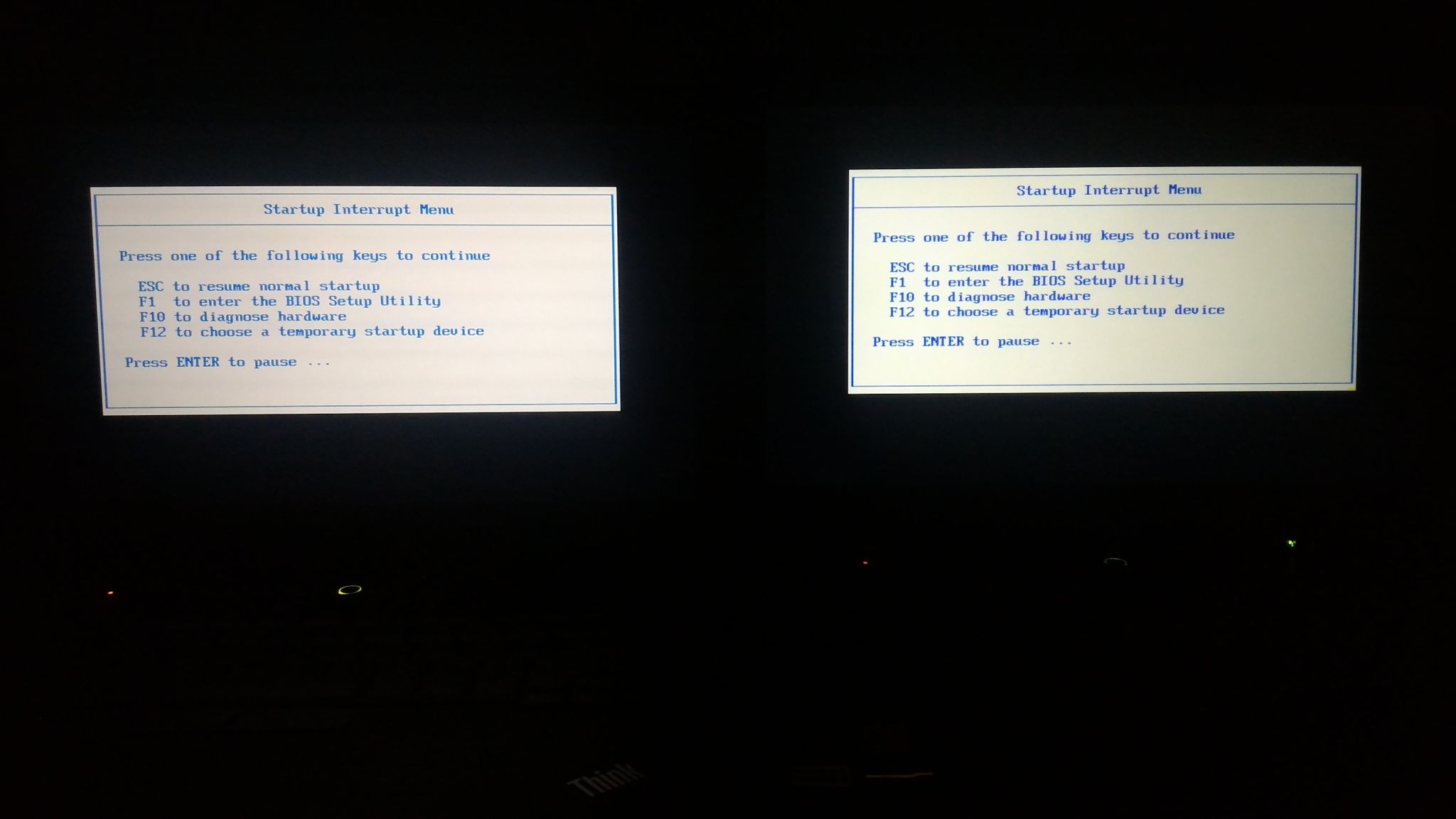
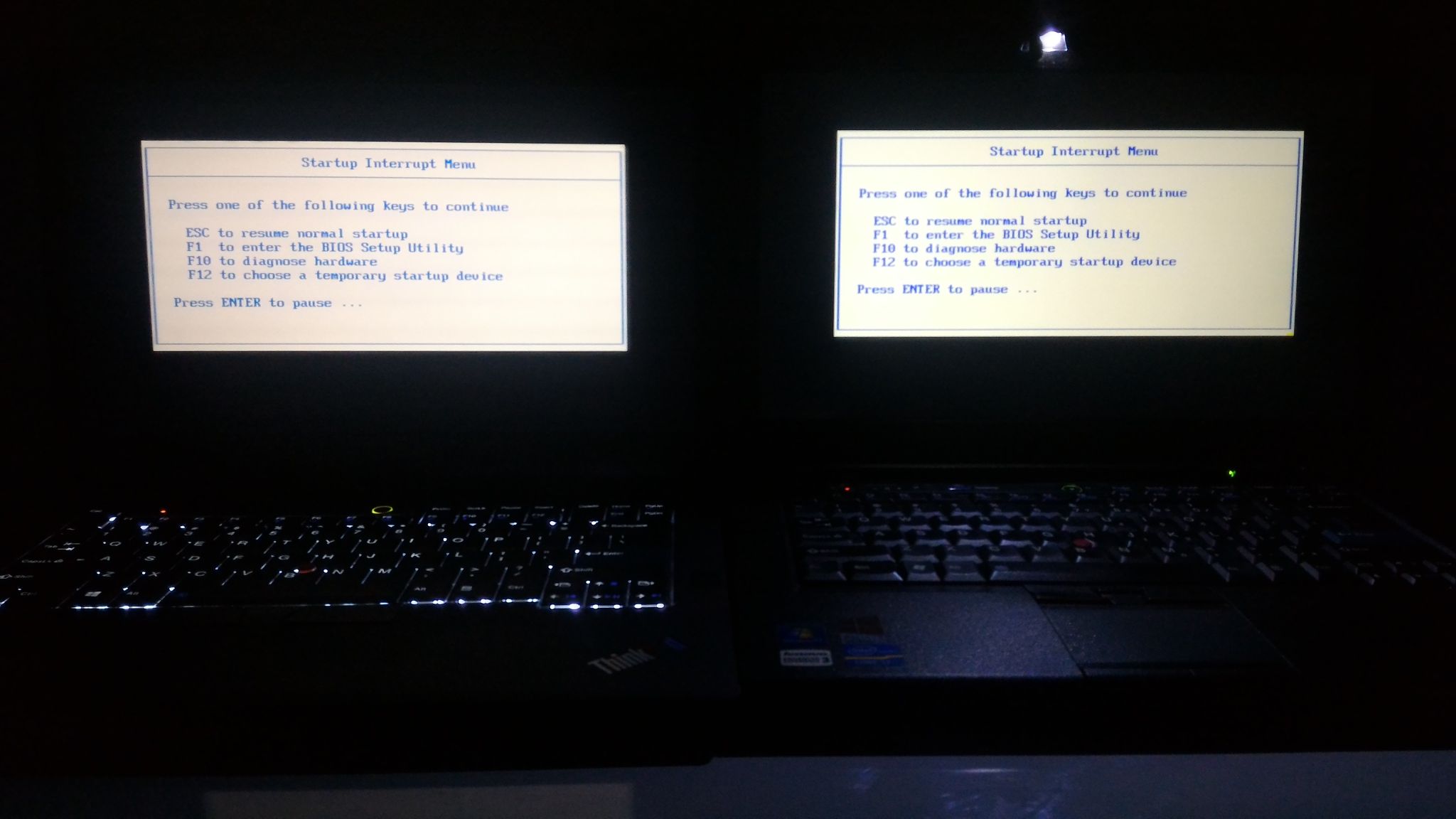
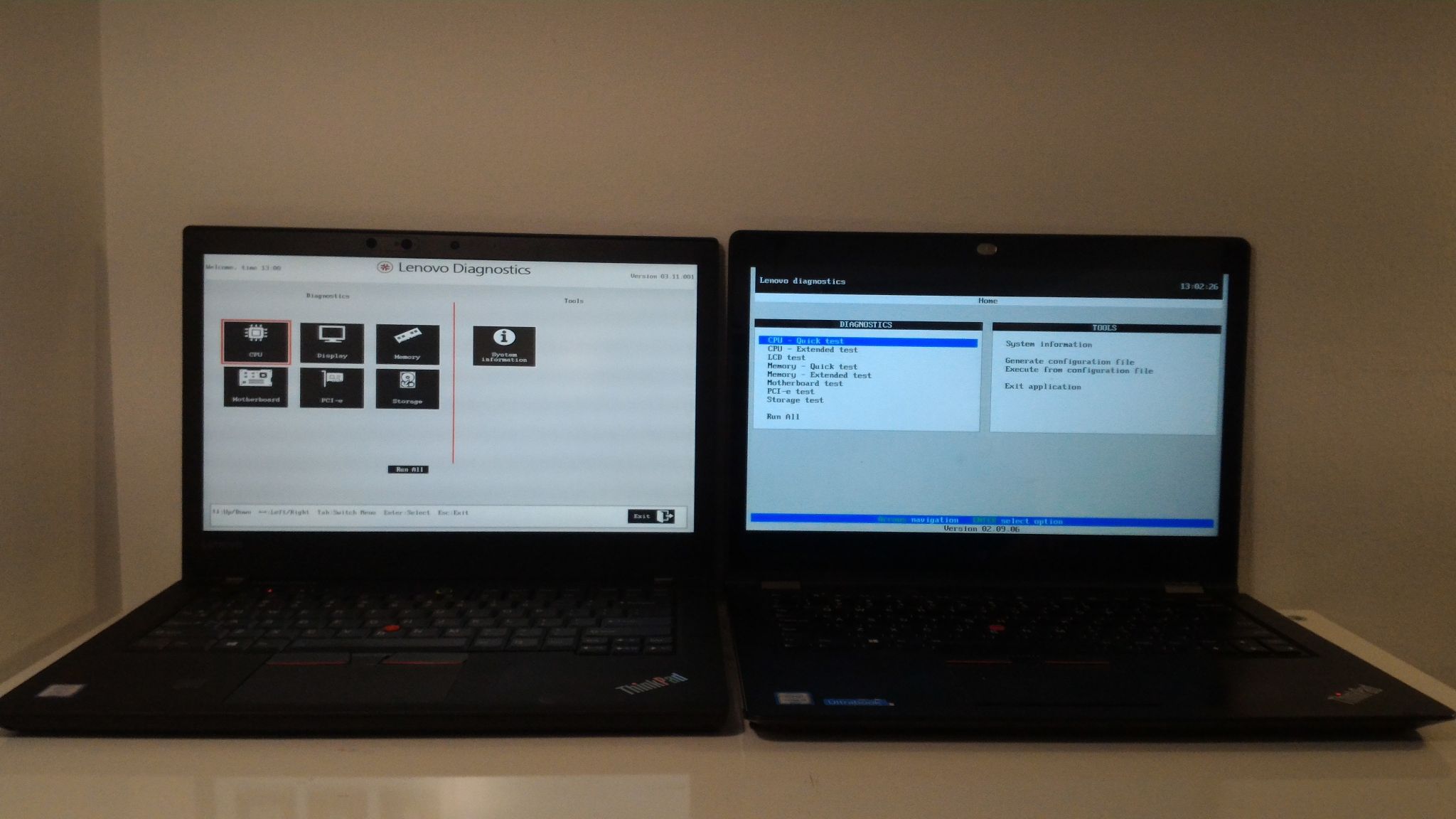
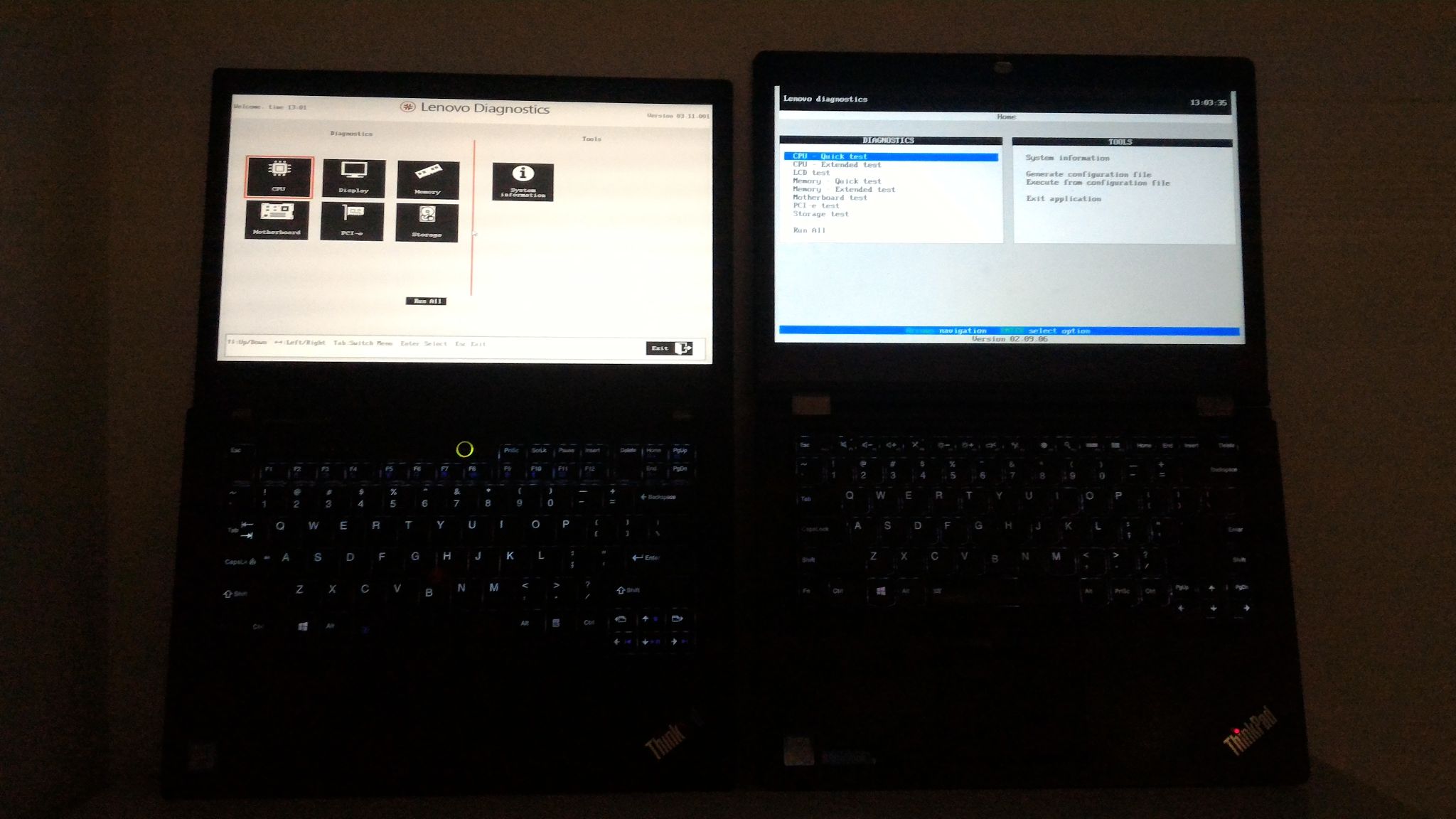
Much has been said about the low brightness of the TP25 LCD (IVO R140NWF5 R1). It's true, and is evident when comparing side-by-side with the AHVA LCD (AUO B140HAN01.2) in the T430s. In the pictures above, the two left ones are maximum brightness, and the two right ones are with the T430s knocked down a few notches to achieve equal brightness. Still, it does not feel like it would be a practical problem, unless you plan to use the laptop outdoors. The last pictures compares the backlit keyboard of the TP25 to the Thinklight of the T430s. The backlight is more uniform across the keyboard, but the Thinklight can also light around the keyboard. It would be best to have both (especially with two Thinklights as David Hill once proposed).
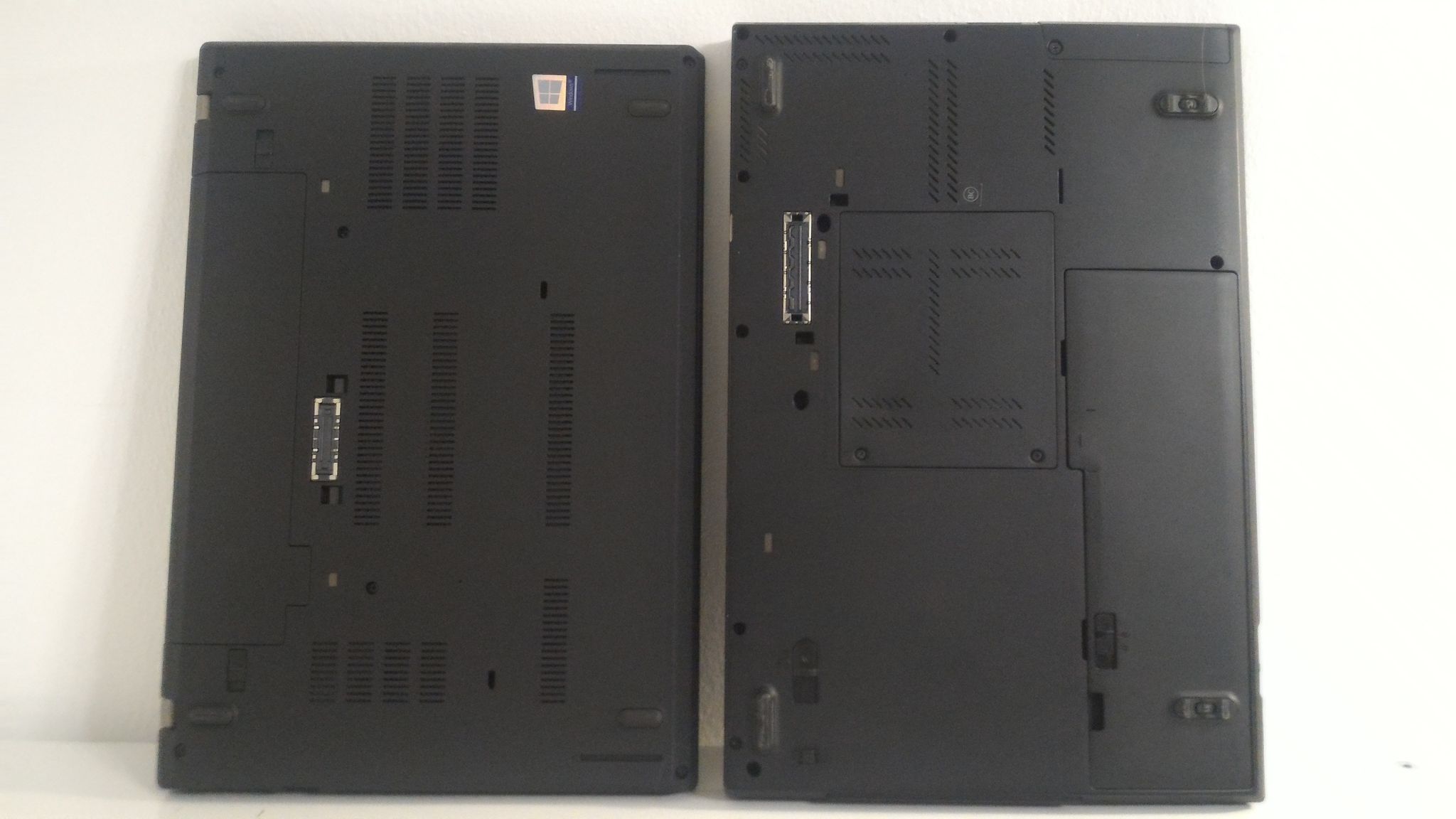
The T430s has multiple service panels at the bottom to access RAM and hard-drive, whereas the TP25/T470 require the entire bottom panel to be removed to access everything. So some maintenance tasks will be easier, others harder. The docking connector is smaller yet again on the CS13 machines, continuing the tradition of shrinking it for every generation since the original IBM Thinkpads.
Thinkpad 25 vs Thinkpad Yoga 14
The Yoga 14 belongs to my wife and has been her primary system for approximately 1.5 years now. This particular model (20FY), for whatever reason, is obscure and hard to find on Lenovo's webpages. It seems to share some aspects of the Yoga 460, even has the same FRU BOM, but it's black like the other Thinkpad Yoga 14 models. It's a full-fledged 2-in-1, hence the beefy hinges around the lid and the base. The base and the lid cannot overlap, so when open 180 degrees it has a bigger footprint, but that's not a position one would use a laptop in anyways. Other than that, it's practically the same dimensions than the TP25/T470, but at 1.91kg, significantly heavier. This is probably a combination of heavier materials (it feels like there is more metal in the construction), the beefy 2-in-1 mechanism, and the active digitizer (the Yoga supports both pen and touch inputs, unlike TP25/T470 which support only touch).
On the right side of the Yoga 14 you see the annoying idiotic tiny power button which is hard to reach compared to a normally placed button next to the keyboard. It is also right next to the hardware volume buttons, so expect to press it accidentally while trying to fiddle with the volume.
 On the left you see the Lenovo OneLink+ docking connector (being a 2-in-1, a docking connector on the bottom are impossible), which can also be used for a proprietary Ethernet dongle (there is an integrated LAN chip on the motherboard, but not an RJ45 connector on the chassis). There are also plenty of other ports, including HDMI and mini-DP (no Thunderbolt) - a lot like on the T470p, it seems. It is overall a very nice machine to use; my wife has been pretty happy with it, despite the weight.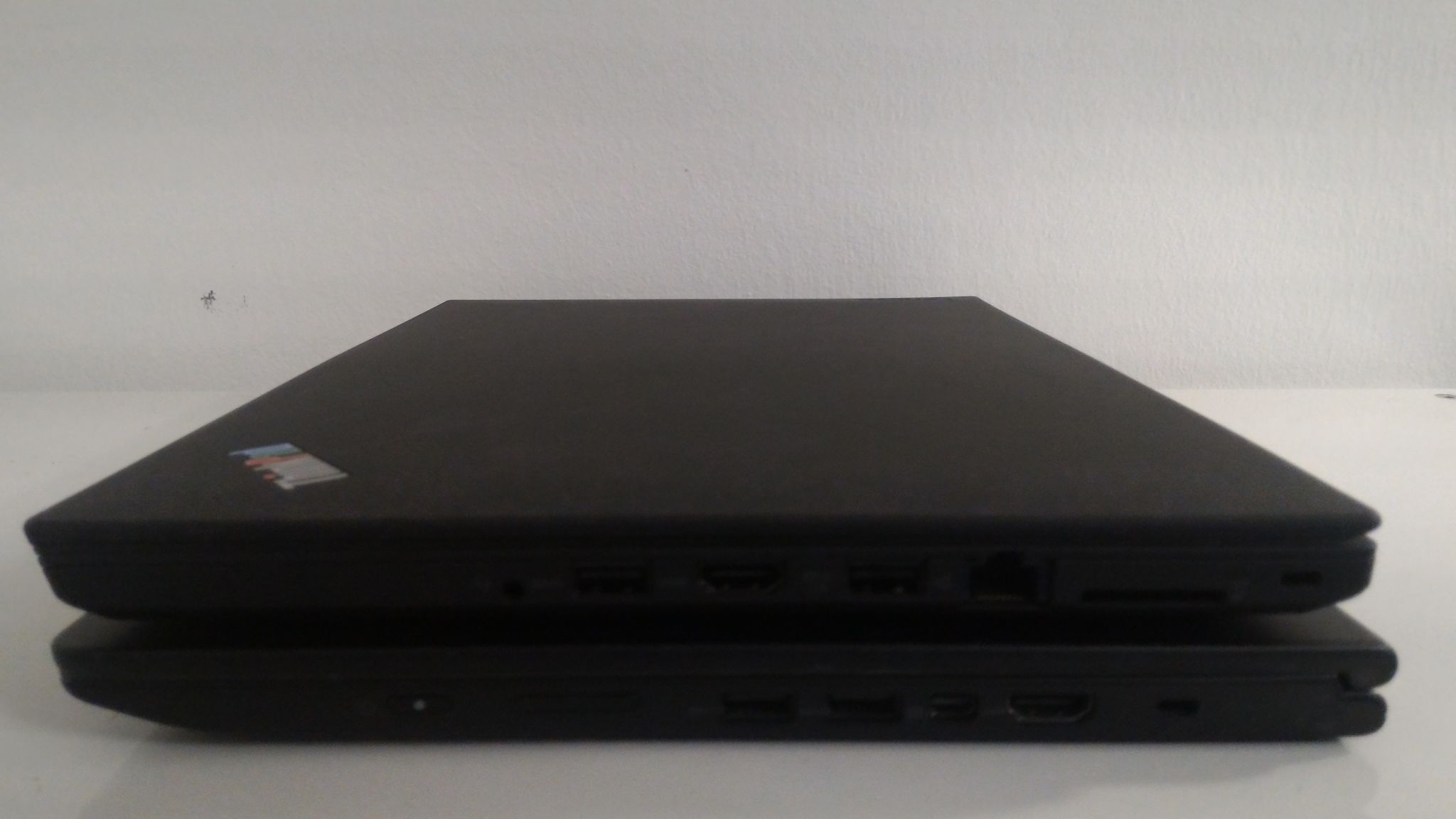
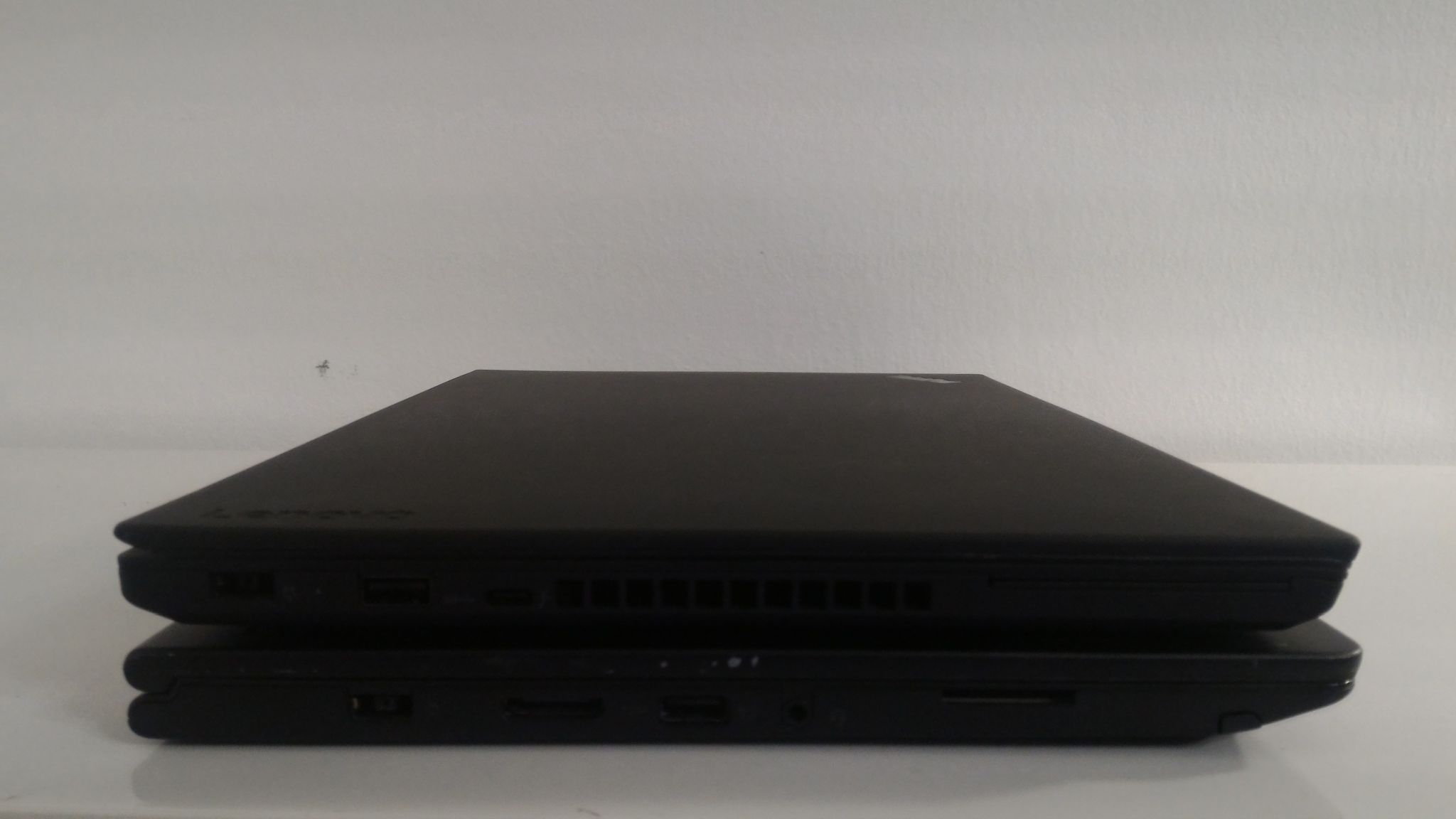

The screen on this Yoga 14 is also an FHD IPS touch, but with glossy coating and an active digitizer for pen input support (the pen is hidden inside the base). The panel is an SDC LTN140HL05-901. It is not brighter than the TP25 screen, and may even be a little dimmer. Because the screen is glossy (reflective) it does not diffuse light, and so does not illuminate the keyboard as much as the matte screen on the TP25, but, of course, keyboard backlight is available.
One difference between the TP25 and other modern Thinkpads, including this Yoga 14, is that the red dot above the i in the base logo does not light up when the laptop is on - instead the power button on the keyboard is lit; the red dot on the lid, however, does light up, which gives you indication when the lid is closed. The same holds for the pulsating behavior when the laptop is in standby.
Thinkpad 25 vs T410
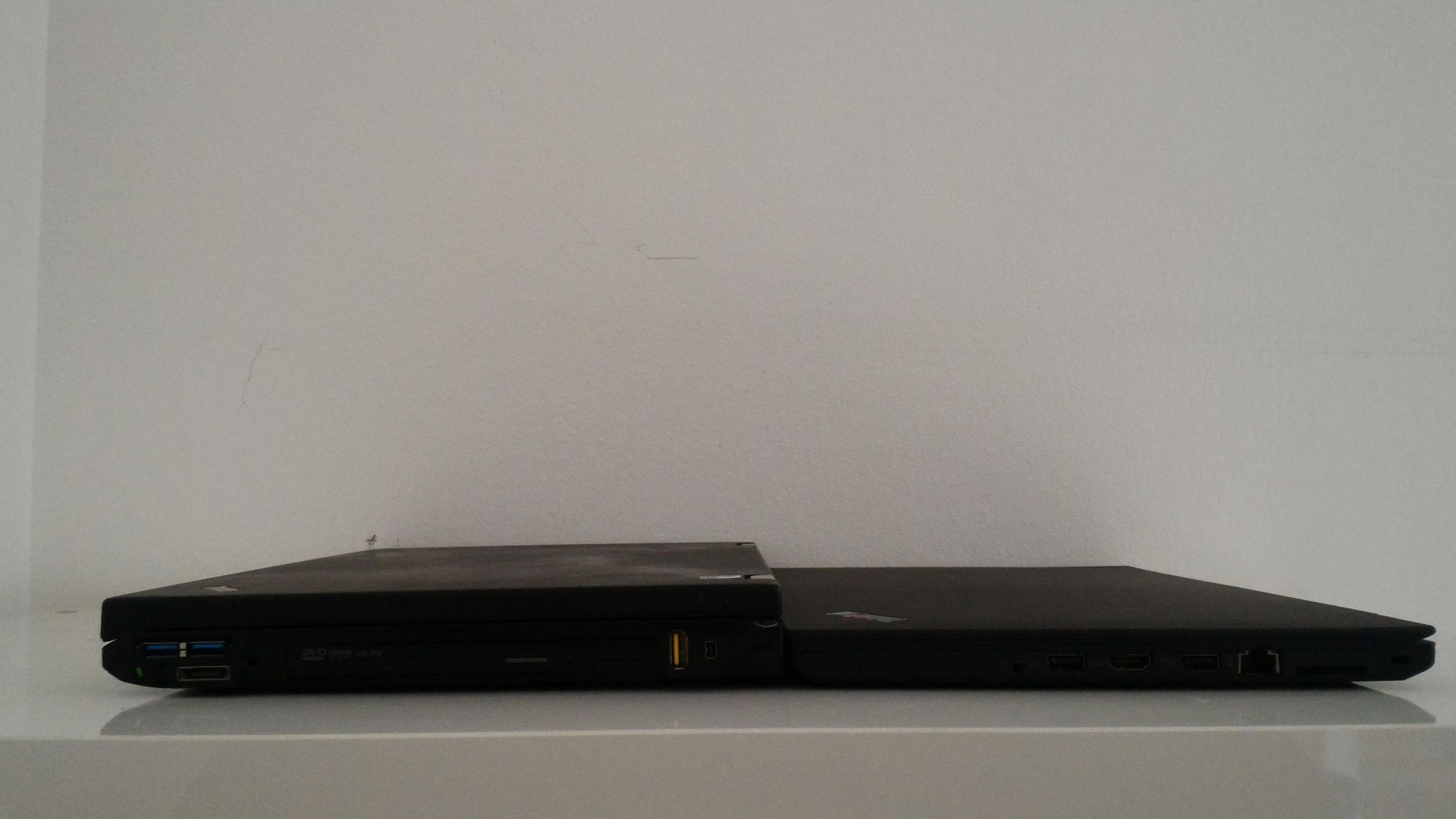
If you ignore the screen ratio and keyboard aspects, this comparison is interesting, if only to see the changes 6 laptop generations have brought us (think T410 vs T470, both are mainstream T-series, not the 'slim', nor the 'professional' variant). The TP25/T470 is so much slimmer that it is not even funny. The entire machine is about the thickness of the T410 base. It is also slightly shorter without being wider. OK, T410 was the thickest 14" T series since the T30, but the new machine is also much lighter at 1.68kg versus 2.12kg with same number of battery cells, and that if you give up the optical drive.
Considering the expansion capabilities of TP25/T470 vs T410: instead of VGA and DisplayPort you have Thunderbolt and HDMI, which is more modern; 3 USB ports instead of 4, but Thunderbolt doubles as USB-C, and all USB ports are 3.0; you lose eSATA and Ultrabay, but can now configure dual internal storage with SATA+NVMe; you lose ExpressCard, which you could probably use to add rarely used ports, such as Firewire or eSATA. While there are definitely use cases where the older machine will shine, on average the newer one is better equipped to handle modern technologies.

 One small thing: The glowing red dot on the palmrest was first introduced with the SL-series and carried over to the Edge series. The Yoga 14 is a descendant of the Edge series*, which explains the glowing red dot on the palmrest.


