DIY T25 Experience
Posted: Mon Oct 16, 2023 8:22 pm
I decided to DIY my own T25.
Acquired:
- a cheap T470 with broken LCD (didn't realize it had an SVP lock, but it should've been obvious) $45
- a cheap T470 motherboard without an SVP lock $37
- a T25 palmrest-frame $37
- a T25 keyboard (thought I was getting American, turns out I ordered the Scandinavian, not complaining it was cheaper anyway) $71
- an X1 Carbon touchpad $20
- non-touch cable $14
- replacement LCD overpaid for it years ago, not counting it here.
Subtotal not counting expense on parts that I wound up not being able to use: $224
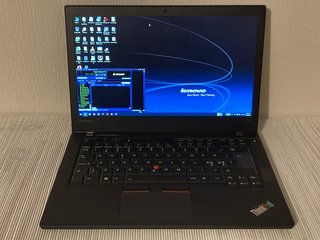
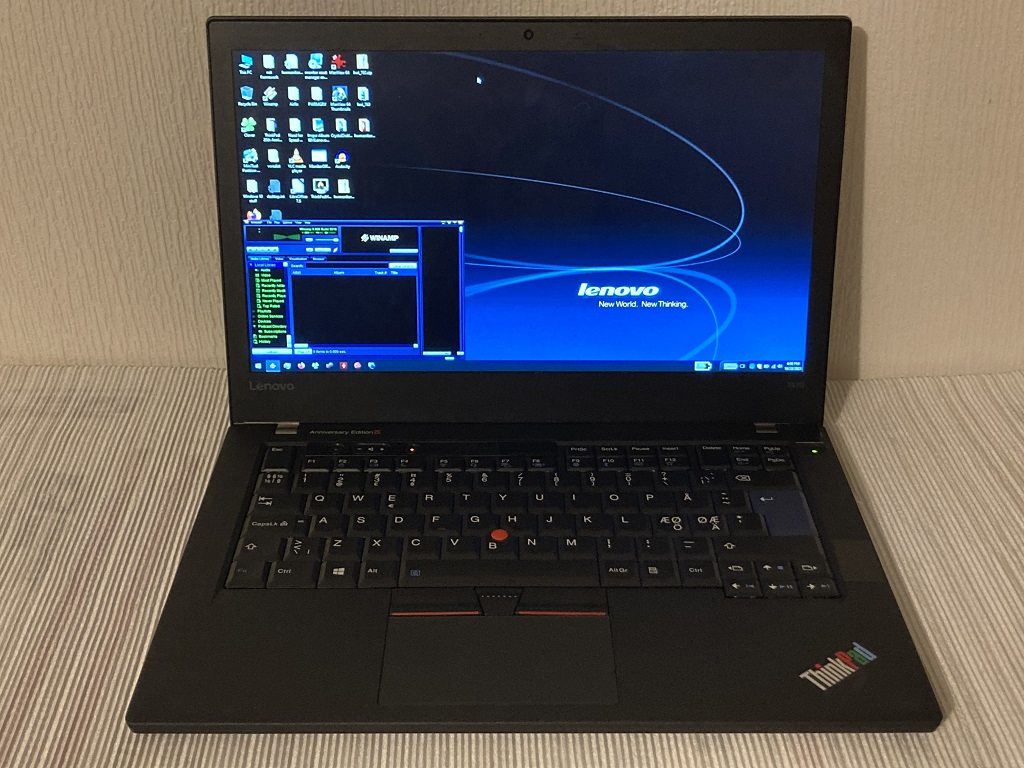
The result:
Currently lacking internal storage I've only so far accomplished booting Hirens and Ubuntu. The T470's drive caddy doesn't fit the T25 palmrest-frame for some reason. I'll have to modify it and acquire some 2280 for it.
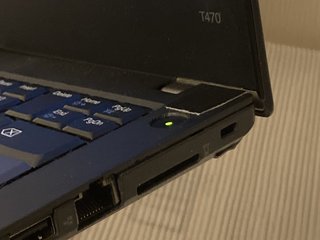
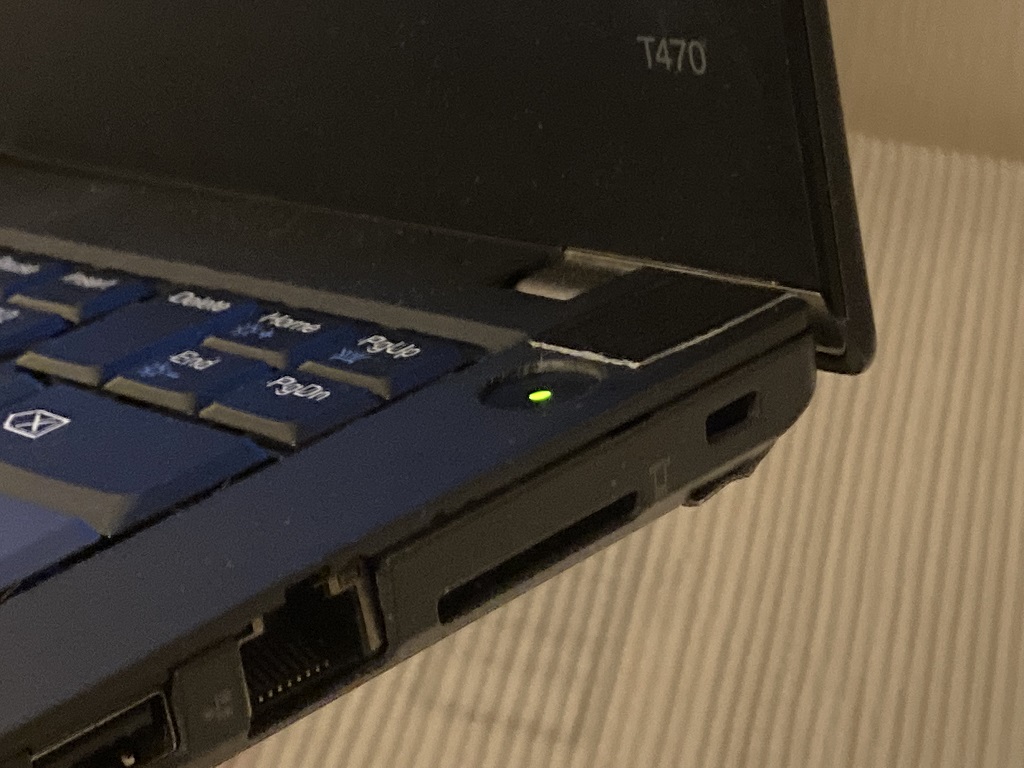
I decided to surgically transfer the corner of the T470's frame with the power button into the T25's palmrest-frame and drill a hole in the palmrest. The result is imperfect, but functional. The laptop won't power on without the power button plugged in.
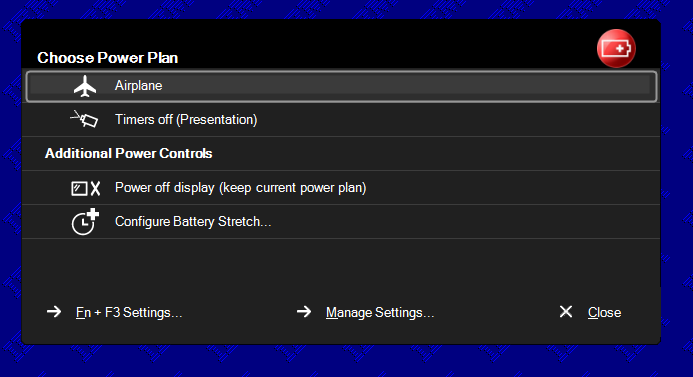
The 7 row keys are properly laid out and functional, but the Fn hotkeys aren't properly mapped. I'll see if updating the BIOS sorts this out. I was under the impression a T470 would magically turn itself into a T25 with the T25's keyboard plugged in, but clearly there's some more nuance to this.
My initial thoughts:
- This is the worst ThinkPad I've ever taken apart and serviced, in large part to the power button flex cable routing.
- The whole laptop seems constructed upside-down compared to our favorite classic ThinkPads.
- The base feels flimsy.
- The keyboard is very flimsy and relies entirely on the palmrest-frame to support it. It rattles in the arrow keys corner. I will have to try some thin tape to brace it.
- The keyboard (sans TrackPoint keys) and palmrest have a nice soft-touch coating to them.
- When I pulled out the cats-tongue to replace it with a soft-dome, the cats-tongue took the underlying plastic trackpoint cap with it. Typical.
- The touchpad I acquired is supposedly a glass clickpad, I don't feel anything special about it, I don't like clickpads, but I suppose it's nicer than the T470's original plastic clickpad.
Current specs:
i5 7300u, FHD non-touch, 24GB RAM, no storage
To be continued, someday....
Acquired:
- a cheap T470 with broken LCD (didn't realize it had an SVP lock, but it should've been obvious) $45
- a cheap T470 motherboard without an SVP lock $37
- a T25 palmrest-frame $37
- a T25 keyboard (thought I was getting American, turns out I ordered the Scandinavian, not complaining it was cheaper anyway) $71
- an X1 Carbon touchpad $20
- non-touch cable $14
- replacement LCD overpaid for it years ago, not counting it here.
Subtotal not counting expense on parts that I wound up not being able to use: $224
The result:
Currently lacking internal storage I've only so far accomplished booting Hirens and Ubuntu. The T470's drive caddy doesn't fit the T25 palmrest-frame for some reason. I'll have to modify it and acquire some 2280 for it.
I decided to surgically transfer the corner of the T470's frame with the power button into the T25's palmrest-frame and drill a hole in the palmrest. The result is imperfect, but functional. The laptop won't power on without the power button plugged in.
The 7 row keys are properly laid out and functional, but the Fn hotkeys aren't properly mapped. I'll see if updating the BIOS sorts this out. I was under the impression a T470 would magically turn itself into a T25 with the T25's keyboard plugged in, but clearly there's some more nuance to this.
My initial thoughts:
- This is the worst ThinkPad I've ever taken apart and serviced, in large part to the power button flex cable routing.
- The whole laptop seems constructed upside-down compared to our favorite classic ThinkPads.
- The base feels flimsy.
- The keyboard is very flimsy and relies entirely on the palmrest-frame to support it. It rattles in the arrow keys corner. I will have to try some thin tape to brace it.
- The keyboard (sans TrackPoint keys) and palmrest have a nice soft-touch coating to them.
- When I pulled out the cats-tongue to replace it with a soft-dome, the cats-tongue took the underlying plastic trackpoint cap with it.
Typical.- The touchpad I acquired is supposedly a glass clickpad, I don't feel anything special about it, I don't like clickpads, but I suppose it's nicer than the T470's original plastic clickpad.
Current specs:
i5 7300u, FHD non-touch, 24GB RAM, no storage
To be continued, someday....


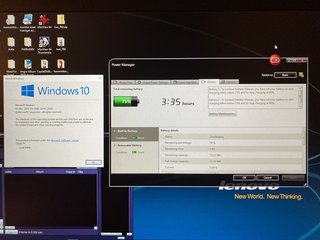
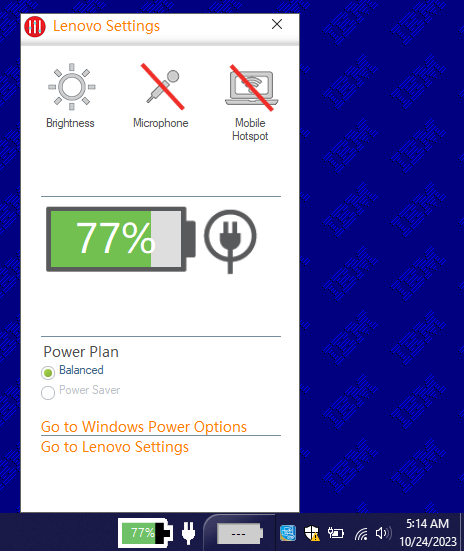
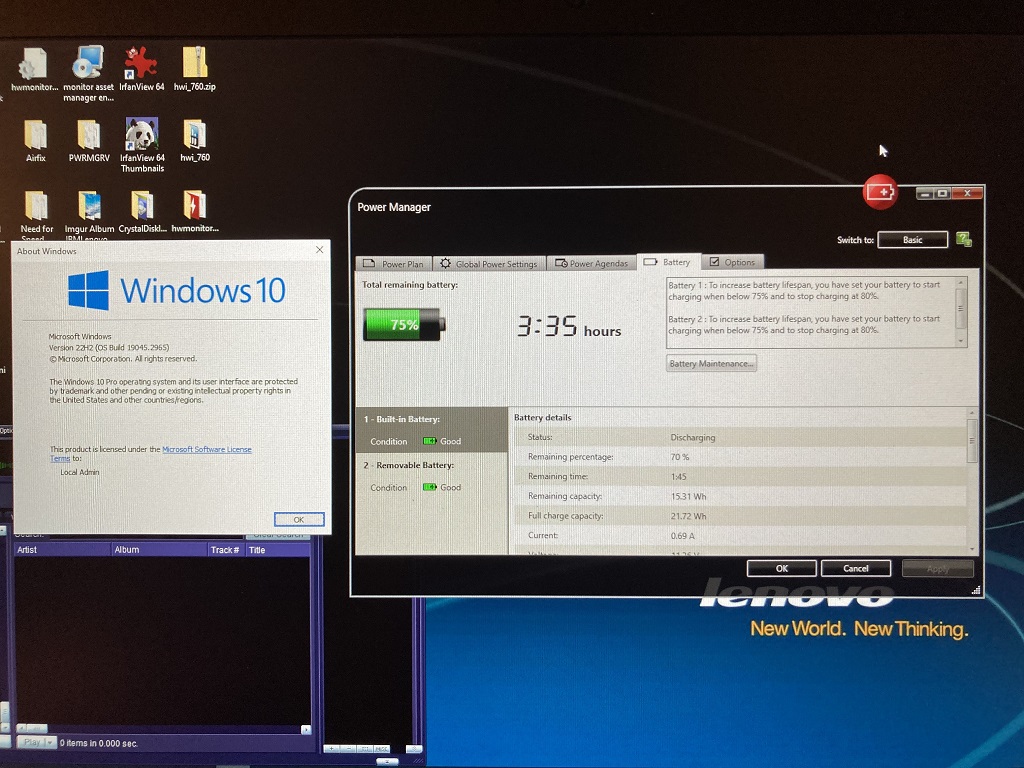
 (my removable battery is apparently dead) This slaughters my best runtimes with T430s (6c, 1 hour), X61 (4c, 1.5 hours), T420 (9c, 2 hours).